

Systems talk to each other
Integrations between your applications, so data is entered once and is correct everywhere. From CRM to accounting.
Four signs your systems work past each other
- 1
Retyping between applications
An order in one system, the same details in another. By hand, every day again.
- 2
Numbers that do not match
The CRM says one thing, the accounting another. Who is right? And who finds out?
- 3
Exports and import files
Excel as the go-between. Someone exports, someone edits, someone imports. Until a column shifts.
- 4
Waiting for a colleague
A customer asks for an invoice or a status, but the answer sits in a system the person asking cannot reach.
Enter once, current everywhere
Applications connected
Your CRM, ERP, accounting and web shop exchange data through APIs. No manual work in between.
Updated automatically
When something changes in one system, it is in the other within minutes. Scheduled or immediate.
Error checking
If a transfer fails, you see it and get a notification. Nothing disappears silently.
One truth
Everyone works with the same numbers, whether sales, administration or management.
Securely connected
Access per integration, keys managed in Azure, traffic encrypted.
Overview for administrators
Who connects what, what ran last night and what stood out. On one screen.
One integration platform, or a single targeted integration
Integration portal
Our foundation for integrations: set up connections, follow runs, handle errors. We connect your applications and keep them running.
Book a demoA targeted integration
Sometimes one integration is enough: your web shop to your accounting, or your CRM to your customer application. We build it on the same base as the integration portal and maintain it the same way.
See examplesFrom inventory to integrations that keep running
Analysis and concept
We start by understanding how your business works, what you want to digitise and why.
UX and technical design
We make sure it works logically for users and is technically sound.
Build, usually in .NET and Azure
Built securely and to scale, without frills. On .NET and Azure, or on the technology that fits your situation better.
Maintenance and development
We know your software and your process. Changes, updates and new requests are picked up in a steady rhythm.
Integrations we built
All casesA customer application that runs on the data from the CRM
Schools and partners see their contracts, projects and planning in their own environment, straight from the CRM of a culture education organisation.
Read the case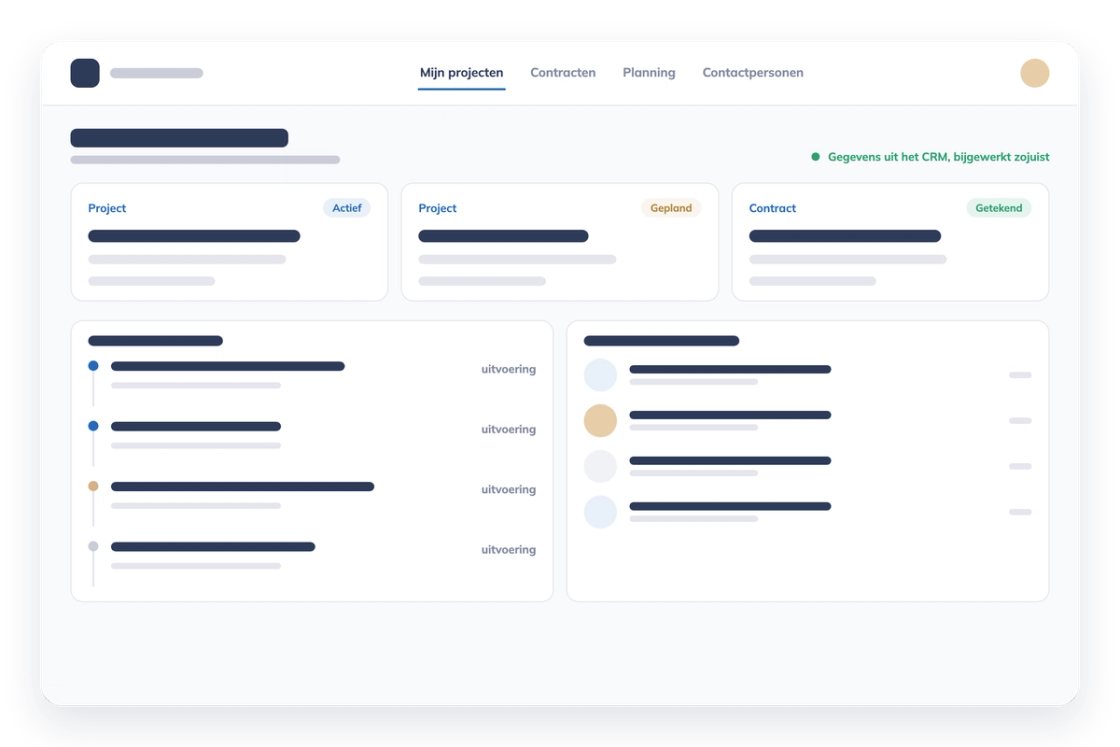
Which data does your team still retype?
Name the systems that now run side by side. In a first conversation we sketch the connection that ends the retyping.